For home builders and developers
Draw it once. Model the home once. Your buyer walks it, picks finishes and sees the price, and you get the takeoff for your quote.
Start your 30-day free trial 14%
Homes sell faster with a 3D tour1
37%
More views on the listing1
50%
Less time on every quote2
Scroll down to try it Sell the house before you break ground. Show your client their home in 3D, priced, before your competitor sends a PDF.
Draw it. Draw it in PreSell, or send us your architect's or engineer's plans and we'll model it.
Price it. Every piece counted, trade by trade, priced with your numbers.
Send it. Email or text the link. Your buyer walks it on their phone or computer, with nothing to download.
Try it yourself. This is what your client gets. This is a real, working tour. Walk the rooms, pick a look and watch the price change, the same way your buyer will on their phone. Demo prices.
How to get around Look around Drag with your mouse, or your finger on a phone. Walk W A S D or the arrow keys. Try them now. Jump to a room Tap a room on the floor plan in the corner. Change the finishes Open Design and pick walls, floors, cabinets or counters. The price updates as you go. Open doors Walk up to a door and tap it, or the button. Open the door · or tap it
See the whole home Switch to Dollhouse to see every floor at once. Two-storey townhome: 3 bedrooms, 2.5 baths, live in 3D. Open it full screen
This is how simple it is. Watch a three-floor commercial building go from a floor plan to fully staged in 25 minutes. Tap any step to jump to it.
25:28 Build a three-floor commercial building from a floor plan Bring in a floor plan, draw the walls, add doors, windows, stairs and the upper floors, then stage it with finishes, furniture and lights and walk through it. No sound: follow the notes on screen.
0:00 Bring in your floor plan (photo or PDF) and set it to the right size0:35 Draw the outside walls3:05 Tidy up the floor plan and measurements5:00 Add doors7:45 Add the stairs9:20 Add windows10:35 Add the upper floors12:35 Add appliances and bathroom fixtures15:45 Look at the framing18:30 Pick paint, flooring and finishes20:00 Add furniture22:58 Add lights24:20 Walk through the finished buildingStart your 30-day free trial No credit card needed.
1. Zillow, “How Virtual Tours Can Help Your Home Sell Faster,” October 2021. 2. Builders who move estimating into software commonly report building proposals in about half the time. Based on published estimating-software customer research and case studies, 2024–2026. 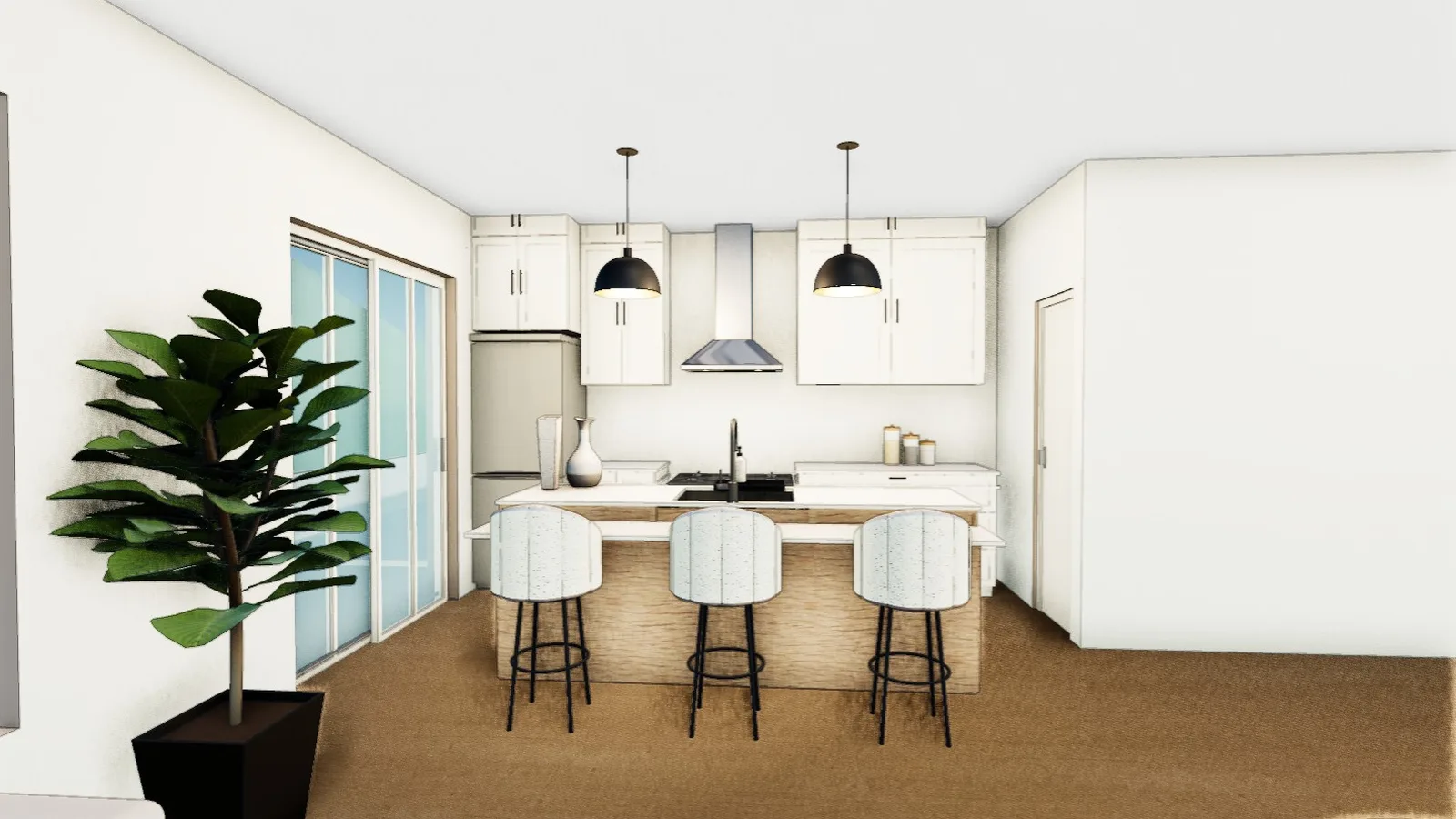 Loading the home…